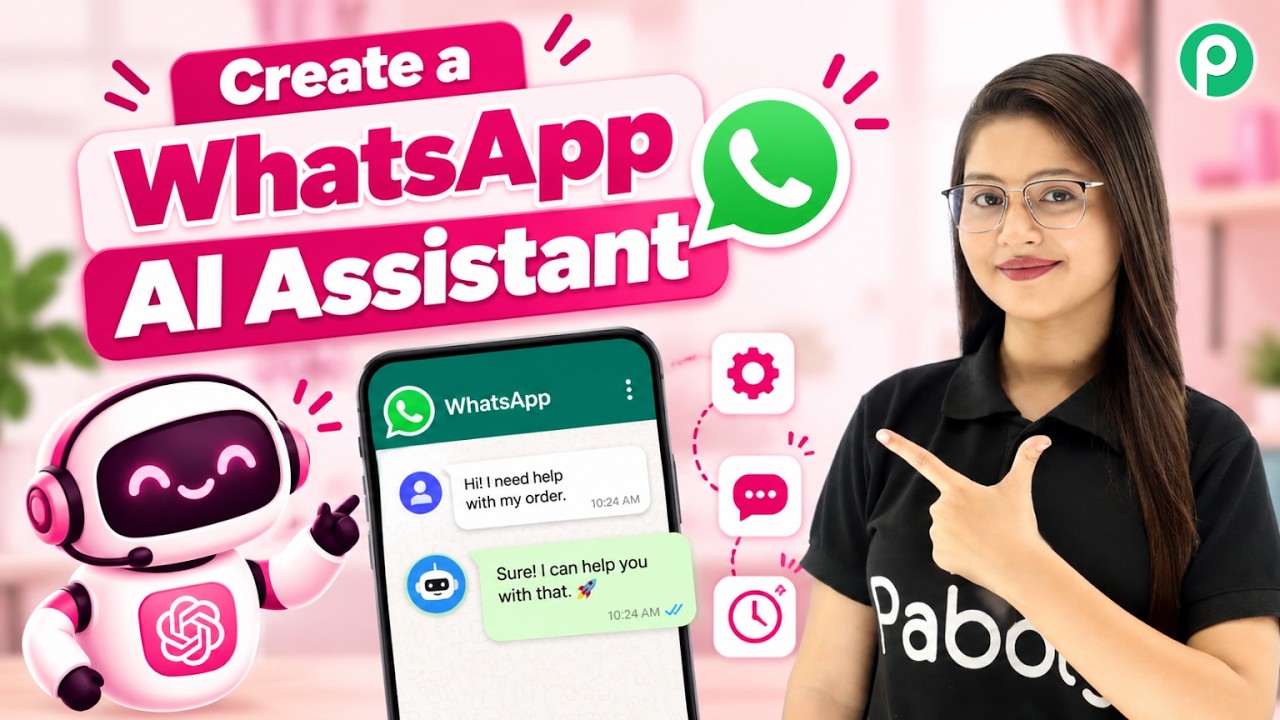
Create a WhatsApp AI Assistant from Scratch in Under 10 Minutes
Watch Step By Step Video Tutorial Below
1. Setting Up Pabbly Connect for WhatsApp AI Assistant
To create a WhatsApp AI Assistant, you first need to access Pabbly Connect. This platform will allow you to seamlessly integrate various applications like OpenAI and Pabbly Chatbot.
Once you log into Pabbly Connect, navigate to the dashboard where you can start creating your workflow. Click on the “Create Workflow” button to begin the setup process.
2. Creating Your AI Assistant in Pabbly Chatbot
Next, you will create your AI Assistant using the Pabbly Chatbot feature. Click on the “Add AI Assistant” button to initiate the process.
- Name your assistant (e.g., “Electric Car Charger Assistant”).
- Select the instruction type as “AI Agent”.
- Set the temperature for creativity (e.g., 0.5).
After setting these options, you will need to choose the AI provider. Select OpenAI and the desired version, such as GPT-4o mini, to ensure your assistant is equipped with the latest capabilities.
3. Integrating OpenAI API with Pabbly Connect
To connect your OpenAI account, you will need an API key. In Pabbly Connect, paste this key to establish a link between your AI Assistant and OpenAI.
To generate the API key, go to your OpenAI account, create a new secret key, and copy it. Make sure your OpenAI account is a paid subscription to access these features.
After pasting the API key in Pabbly Connect, click on the “Connect” button. You will see a success message confirming that the API key has been saved.
4. Setting Up Knowledge Base for Your AI Assistant
The knowledge base is crucial for your AI Assistant to provide accurate responses. In Pabbly Connect, upload a file containing all relevant information about your business.
- Ensure the file is in PDF or text format.
- The file size should not exceed 90 MB.
- Click on “Add New File” to upload your knowledge base.
After uploading, select the file and click on the “Insert” button. This will allow your assistant to utilize the information in real-time.
5. Customizing Your Assistant’s Interface in Pabbly Connect
Finally, customize the interface of your AI Assistant in Pabbly Connect. You can modify titles, welcome messages, and even the appearance to match your brand.
Toggle the switch to activate your assistant and click on “Save AI Assistant” to finalize the setup. You can also embed this assistant into your website using the provided code.
This entire process allows you to create a fully functional WhatsApp AI Assistant without any coding skills, leveraging the power of Pabbly Connect and its integrations.
Conclusion
By following this tutorial, you can easily create a WhatsApp AI Assistant using Pabbly Connect, OpenAI, and Pabbly Chatbot. This integration allows for efficient customer communication, enhancing your business operations.
PakarPBN
A Private Blog Network (PBN) is a collection of websites that are controlled by a single individual or organization and used primarily to build backlinks to a “money site” in order to influence its ranking in search engines such as Google. The core idea behind a PBN is based on the importance of backlinks in Google’s ranking algorithm. Since Google views backlinks as signals of authority and trust, some website owners attempt to artificially create these signals through a controlled network of sites.
In a typical PBN setup, the owner acquires expired or aged domains that already have existing authority, backlinks, and history. These domains are rebuilt with new content and hosted separately, often using different IP addresses, hosting providers, themes, and ownership details to make them appear unrelated. Within the content published on these sites, links are strategically placed that point to the main website the owner wants to rank higher. By doing this, the owner attempts to pass link equity (also known as “link juice”) from the PBN sites to the target website.
The purpose of a PBN is to give the impression that the target website is naturally earning links from multiple independent sources. If done effectively, this can temporarily improve keyword rankings, increase organic visibility, and drive more traffic from search results.
Streaming Film
Nonton Film gratis
Jasa Backlink
Download Anime Batch